Your thumbnail is the billboard for your video. It is often the deciding factor between a click and a scroll. Lets dive into creating thumbnails that convert.
Why Thumbnails Matter
Studies show that 90% of the best-performing YouTube videos have custom thumbnails. A well-designed thumbnail can increase your CTR by up to 30%.
Essential Elements of Great Thumbnails
Bold, Readable Text
Use large, bold fonts that are readable even on mobile devices. Keep text minimal - 3-5 words maximum.
High Contrast Colors
Use colors that pop and stand out from YouTubes white and red interface. Yellow, green, and orange perform particularly well.
Expressive Faces
Thumbnails with faces get more clicks. Show emotion - surprise, excitement, curiosity - to create connection.
Clear Visual Hierarchy
Guide the viewers eye to the most important elements. Use size, color, and positioning to create focus.
Design Tools to Use
- Canva - Great for beginners
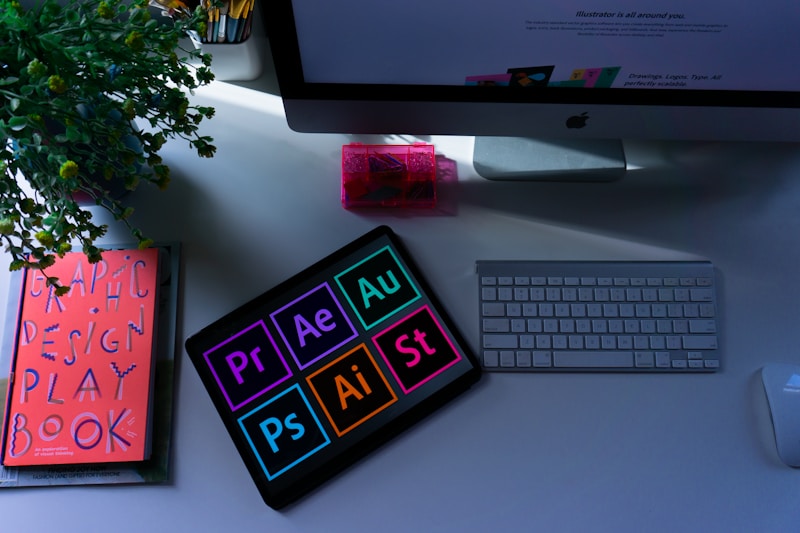
- Adobe Photoshop - Industry standard
- Figma - Free and powerful
- Snappa - Quick and easy
Thumbnail Best Practices
- Use 1280x720 resolution (16:9 ratio)
- Keep file size under 2MB
- Test different styles to find what works
- Maintain brand consistency
- Avoid clickbait that disappoints
A/B Testing Your Thumbnails
Use YouTubes built-in A/B testing feature to experiment with different thumbnail designs and find what resonates with your audience.